Digital Products
Part of Evaluating creator revenue offers
Identifying products that create excessive support work
Log support requests, distinguish faults from extra help, and find the product changes that reduce recurring work.
Support work becomes excessive when routine help repeatedly exceeds the time an offer can sustain or stops you meeting other commitments. Diagnose the requests before changing the support promise.
Trace requests to the promise
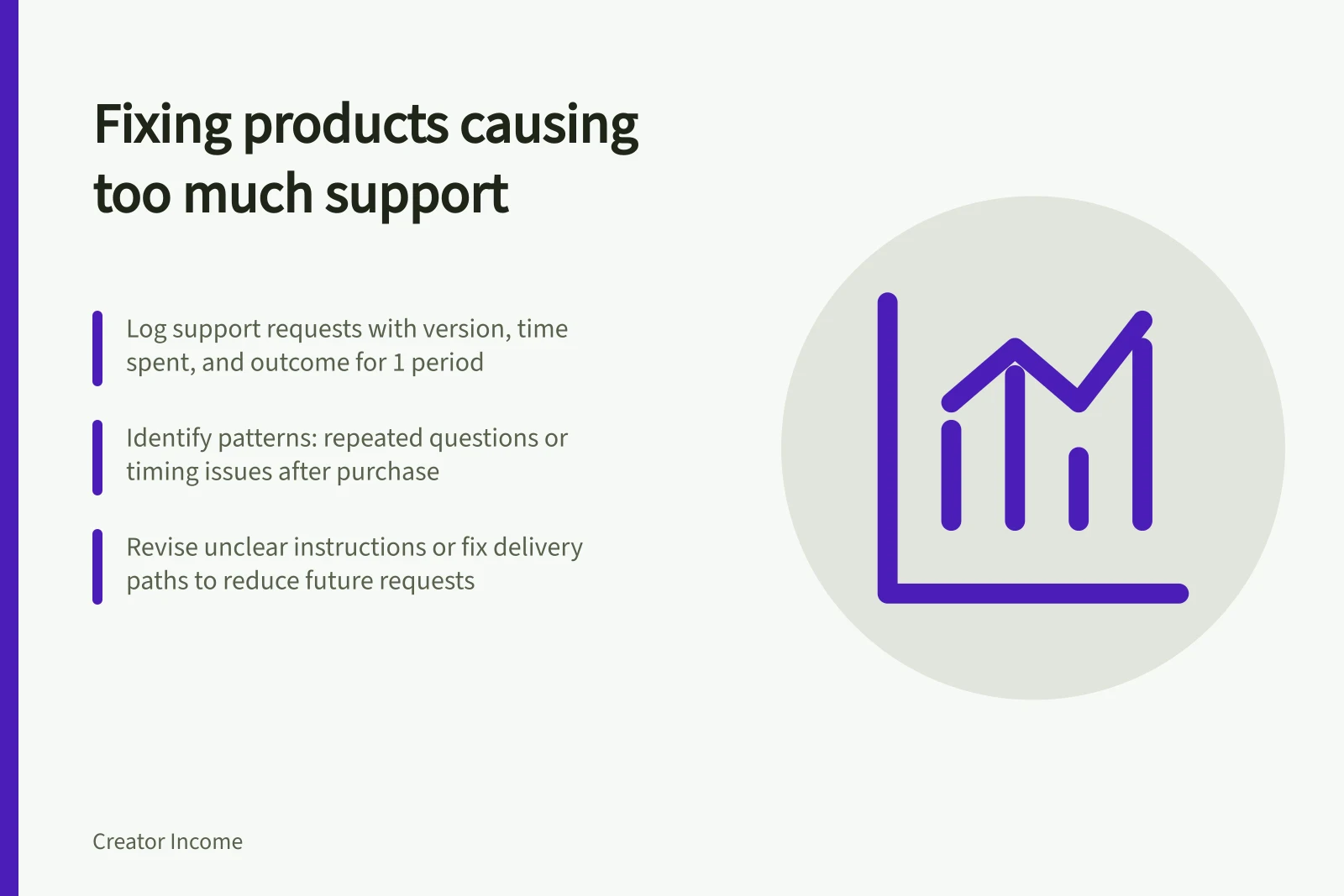
For a defined period, log the product version, order reference, question type, time spent, outcome and any recurrence. Limit access to customer details.
Count the time spent finding a transaction, reproducing a problem and following up, as well as writing the reply.
Request / Inspect first
- Access or delivery failure
- Checkout, file, permissions and help route
- Confusion while using the product
- The relevant instruction, example or prerequisite
- Fault or missing content
- The sales description and version supplied
- Individual advice or extra work
- The stated support boundary
These are working categories, not decisions about a customer's rights. A request for a missing promised worksheet is not an optional extra. Check the accepted offer and what was delivered.
Find the pattern
For a one-off product, compare support time with completed orders in the same period. For a continuing offer, consider the active buyers and benefits due.
Show the counts behind any average. Read the demanding cases individually, and look for questions many buyers ask. The same question may point to a step that needs rewriting.
Timing matters. An access failure just after purchase differs from an update promise that becomes difficult months later. A product tied to changing software may need a dated maintenance decision. Low support today can still coexist with substantial work promised for later.
Do not assume a busy inbox means buyers are unreasonable. The sales page may imply personal feedback, or the product may omit a necessary step. Feedback and complaints identify what to inspect; they do not prove a cause by themselves.
Support Request Types vs. Root Causes
- Access or delivery failure
- Checkout, file, permissions or help route issues – check delivery path
- Confusion while using the product
- Unclear instruction, missing example or prerequisite – revise content
- Fault or missing content
- Discrepancy between sales description and delivered version – audit offer
- Individual advice or extra work
- Outside stated support boundary – clarify scope or offer separately
Key Support Metrics to Track
- Average support time per request
- Measure in minutes; compare across product versions
- Recurring questions count
- Identify top 3 repeated queries per product
- Requests outside support scope
- Monitor percentage of out-of-scope inquiries
Fix the cause and reassess
Revise a repeated unclear instruction and observe whether a prospective user can complete that step. For access failures, repair the delivery path and tell affected buyers how to obtain their purchase. For requests outside the stated offer, explain the boundary and separately scope any new service.
Record the version and date of a change. Compare requests from reasonably comparable buyers before and after it, noting changes in audience or promotion. A quiet period alone does not prove the issue is solved. If support still exceeds capacity, narrow the promise for future buyers or pause new sales while resolving existing problems.
Fix the Cause and Reassess Checklist
- Revise unclear instructionsTest with prospective users before rollout
- Repair delivery pathEnsure access files are correctly delivered and linked
- Clarify support boundariesUpdate FAQs and sales copy to reflect limits
- Record changesNote version and date of updates for tracking
- Compare pre- and post-change dataAssess impact on support volume and quality